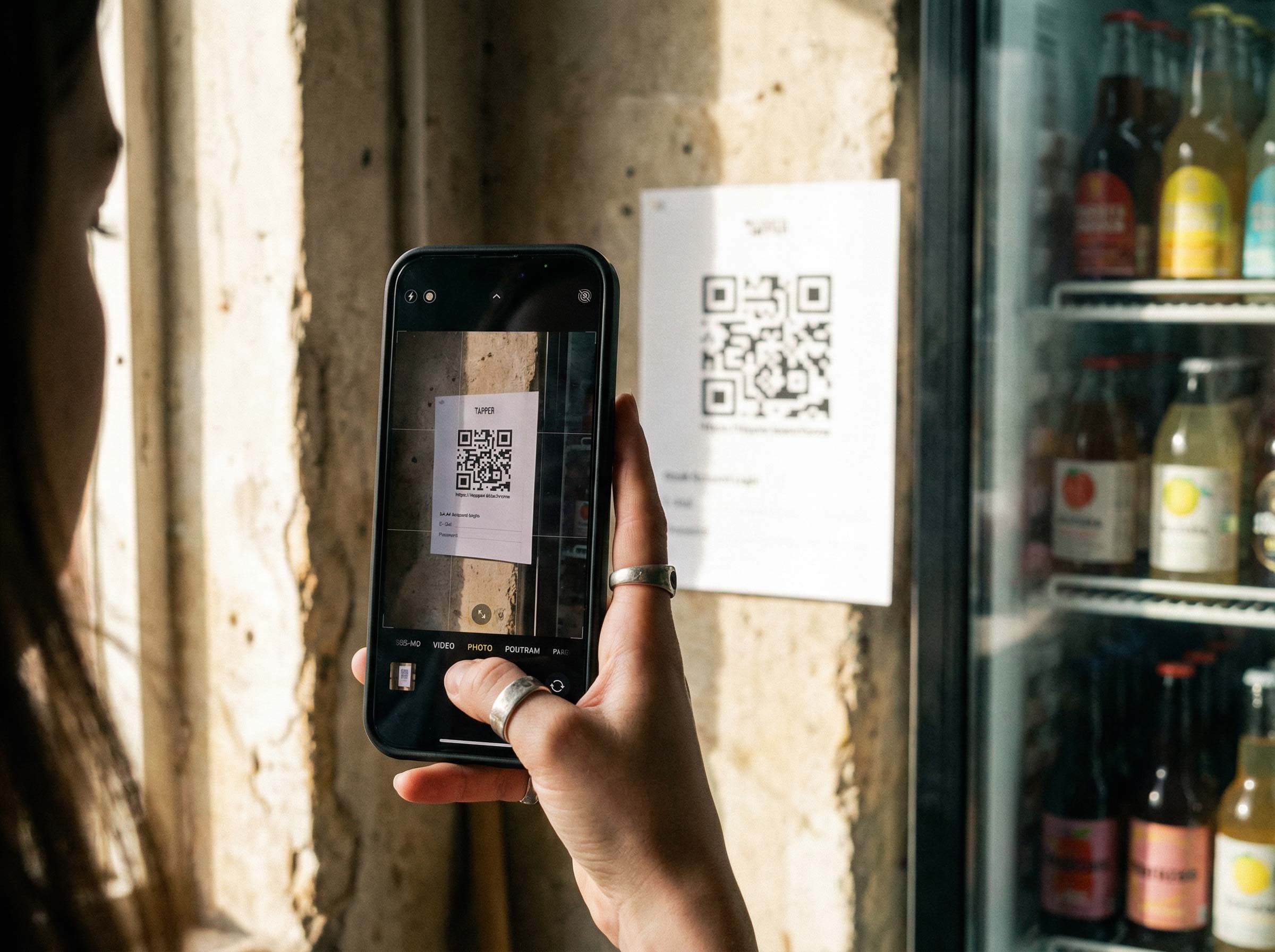
Anyone who's responsible for the drinks fund, shared fridge, or group billing in a club, coworking space, or office team knows the problem: somehow you need to track who took what. The classic answer has been the same for decades: a tally sheet.
But which tally app is actually the best choice today? And why does the traditional paper version fall apart for groups above a certain size?
This article compares the most common approaches — from analog tally sheets to specialized apps — and shows which solution fits which use case.
What Is a Tally App?
A tally app is a digital version of the classic tally sheet: it records who took or consumed what, automatically tallies totals, and generates a billing summary. That sounds simple — but the difference from a paper tally sheet is in the details.
Modern apps turn a simple "mark" into a complete billing system: with credit accounts per member, product management, payment tracking, and analytics. For groups with more than five people, that's an enormous advantage.
The Most Common Solutions Compared
1. Paper Tally Sheet
The analog tally sheet has been found in every club room, kitchen, and office for decades. And yes — for two to three people who know and trust each other, it still works.
Advantages:
- No setup, no device, no cost
- Immediately understandable
Disadvantages:
- Becomes illegible quickly
- Error-prone — marks get missed or miscounted
- No automatic billing — someone has to manually add everything up
- Losses stay invisible
- Doesn't scale for larger groups
Verdict: Fine for small shared apartments. Simply not suitable for clubs or teams with 10+ people.
2. Excel or Google Sheets as a Tally Sheet
Many groups eventually move from paper to a shared spreadsheet. That's a step forward — but not a big one.
Advantages:
- Free
- Flexibly customizable
- Can automatically sum values
Disadvantages:
- Awkward to use (especially on mobile)
- No user management — everyone sees and can change everything
- No automatic low-balance reminders
- High maintenance — formatting, versioning, shared access
- Quickly becomes cluttered with many members
Verdict: A decent stopgap solution. But anyone who wants a genuinely fair, transparent billing system quickly hits limitations. Why Excel doesn't work long-term →
3. General Counter Apps
There are countless simple counting apps in the app store that increment a counter with a button tap. Technically that's a "tally app," but for group billing it's completely unsuitable.
Advantages:
- Simple to use
- Fast counting for individuals
Disadvantages:
- No multi-user mode
- No product management
- No billing, no credit balance, no payment tracking
- Simply not designed for groups
Verdict: Useful for counting reps at the gym or units in production. For club or office drink lists: completely unsuitable.
4. Point-of-Sale (POS) Systems
Anyone running a real bar or kiosk — like at a club event — might reach for a professional POS system like SumUp or Square.
Advantages:
- Very complete
- Legally compliant
- Card and cash payment support
Disadvantages:
- Expensive (monthly fees, hardware)
- Overcomplicated for everyday use
- Not designed for credit-based systems
- Requires active operation by a person
Verdict: The right choice for food service businesses. For a club drinks fund or office fridge: far too much effort and cost.
5. Tapper — The Specialized Tally App for Groups
Tapper is a tally app built specifically for this exact use case: clubs, teams, coworking collectives, fire brigades, makerspaces — anywhere a group shares consumables and wants to bill fairly.
Advantages:
- Credit system: Every member has their own account — no debt chaos
- Kiosk mode: Runs permanently on a tablet next to the fridge — no login required
- Automatic billing: Amounts are deducted immediately, no manual follow-up
- Transparency: Everyone can see their balance at any time
- Admin dashboard: Overview of consumption, outstanding balances, revenue, and inventory
- No installation needed: Runs as a web app directly in the browser
- Scalable: From 10 to 200 members
- Free to try: Up to 3 members, full feature set
Disadvantages:
- Requires a tablet or computer
- Not suitable for actual hospitality with cash sales and receipts
Verdict: Tapper is by far the best solution for anyone who regularly needs to manage group billing — fair, transparent, and effortless.
Comparison Table: Tally App at a Glance
| Feature | Paper | Excel | Counter App | POS System | Tapper |
|---|---|---|---|---|---|
| Multi-user | ❌ | ⚠️ | ❌ | ✅ | ✅ |
| Credit balance per member | ❌ | ⚠️ | ❌ | ❌ | ✅ |
| Automatic billing | ❌ | ⚠️ | ❌ | ✅ | ✅ |
| Kiosk / tablet mode | ❌ | ❌ | ❌ | ⚠️ | ✅ |
| No login required for members | ✅ | ✅ | ✅ | ❌ | ✅ |
| Admin dashboard | ❌ | ⚠️ | ❌ | ✅ | ✅ |
| Optimized for groups | ❌ | ❌ | ❌ | ✅ | ✅ |
Which Tally App Is Right for Which Use Case?
Clubs (Sports, Music, Fire Brigade, etc.)
Almost every club room has a fridge. And almost every club has been dealing with the drinks fund as a recurring headache for years — who paid, who didn't, who handles the billing?
Recommendation: Tapper
One tablet, set up once, runs permanently. Members tap themselves in, credit is deducted. The treasurer can see at any time who's in the negative — without having to do anything themselves. For clubs, Tapper is the best tally app because it requires no technical knowledge and reduces administrative effort to near zero.
Coworking Spaces and Collectives
In shared spaces, users rotate regularly. Some people are there every day; others come in once a month. A system that works fairly and transparently for all members, without anyone having to actively administer it, is key.
Recommendation: Tapper
No personal login needed — members just tap their name on the kiosk tablet. The credit system ensures no one forgets to pay, and the admin can immediately see whose account needs topping up.
Office Teams and Work Kitchens
The coffee fund, the drinks fridge, the snack shelf — someone on the team inherited this job and mostly does it alone, without thanks, and with a lot of effort.
Recommendation: Tapper
With Tapper, everyone books themselves, and billing runs automatically. No one needs to collect money, count up totals, or chase anyone down. That saves time and avoids uncomfortable conversations about outstanding payments.
Events and One-Off Occasions
For one-time events — a club party, a company gathering, a garden barbecue — you need a solution that's quick to set up and works without fuss.
Recommendation: Tapper (for credit-based events) or paper/counter app (for pure counting)
If drinks are pre-paid and credit needs to be deducted: Tapper. If the only goal is counting how many beers cross the bar: paper or a simple counter app is enough.
What a Good Tally App Really Needs to Do
Anyone looking for a tally app for group use should look for the following:
1. Credit System Every member should have their own account. Deposit €20, have €20 in credit — automatically deducted with every booking. No more manual debt collection.
2. Kiosk Mode The app should run permanently on a tablet — no password prompt, no login, no one needing to pull out a smartphone. A tablet next to the fridge, done.
3. Admin Dashboard with Overview Whoever manages the fund needs a clear view: outstanding balances, booking history, product consumption. Without manual spreadsheets or counting.
4. No Technical Barriers for Members The barrier to booking must be as low as possible. Three taps, done. No account, no password, no app download for regular users.
5. Transparency Everyone should be able to see their balance or what they owe at any time. That prevents unpleasant surprises at billing time.
Conclusion: Tapper Is the Best Tally App for Clubs, Teams, and Collectives
There are many ways to digitize a tally sheet — but only a few are genuinely optimized for everyday group use.
Paper and Excel are free, but they don't scale and they create work. General counter apps count, but they don't bill. POS systems are complete, but overcomplicated and expensive.
Tapper hits the right balance: simple enough for everyone in the group, complete enough for real billing, and affordable enough for clubs and small teams.
If you're looking for a tally app that just works — without constant maintenance, without chasing people down, without chaos — Tapper is the right choice.