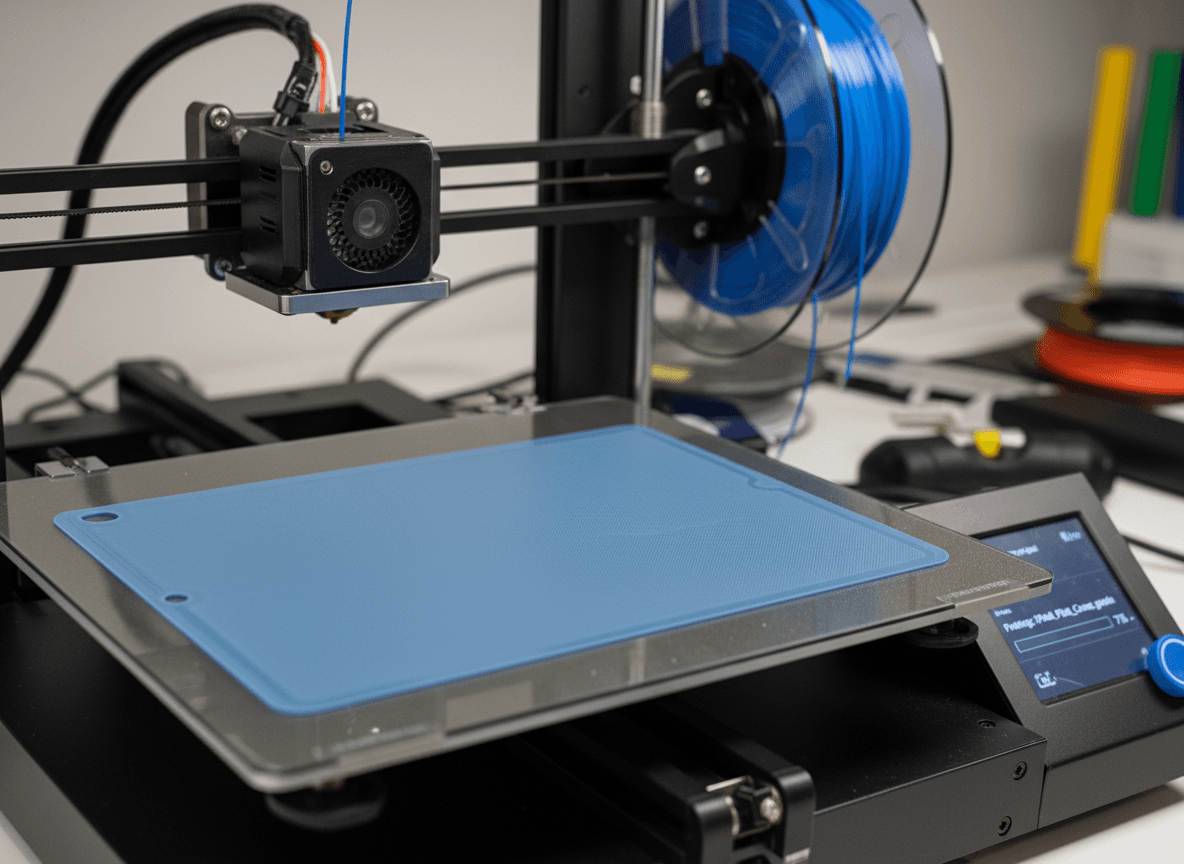
In this post, we will walk through two common approaches:
- Designing your own wall-mount case using free or low-cost CAD tools
- Finding existing open-source designs for popular tablets
Option 1: Design Your Own Tablet Wall Mount
If your tablet is not a common model, or you want a very specific fit (for example, hiding buttons, exposing only charging ports, or matching a certain wall style), designing your own mount is often the best option.
Choosing a CAD Tool
You do not need expensive software to get started. Two popular options are:
Fusion 360
- Free for personal use and hobby projects
- Very powerful parametric modeling
- Ideal if you want precise control and future adjustments
Onshape
- Runs entirely in the browser
- Free for public projects
- Excellent for collaboration and quick iterations
Both tools are more than capable of producing a clean, printable wall-mount design.
Measuring Your Tablet Correctly
Accurate measurements are the most important part of the process. Use a caliper if possible, but a good ruler can also work.
You should measure:
- Overall width, height, and thickness
- Screen size and bezel width
- Button locations (power, volume)
- Charging port position and size
- Speaker openings (if you want to keep them unobstructed)
Always add a small tolerance (usually 0.5–1.0 mm) so the tablet can slide in and out without force.
Designing the Mount
A typical wall-mount case consists of:
- A back plate that attaches to the wall
- A front frame or lip that holds the tablet in place
- Cutouts for charging cables and buttons
- Optional ventilation slots to prevent heat buildup
Good design practices include:
- Using chamfers instead of sharp edges
- Avoiding very thin walls (2–3 mm minimum)
- Designing screw holes or slots that allow small alignment adjustments
If the tablet will be permanently installed, you can also design a locking mechanism or a hidden screw to prevent easy removal.
Printing Considerations
For most wall mounts:
- PLA is usually sufficient and easy to print
- PETG is better if the tablet will be exposed to heat or sunlight
- Use 20–30% infill and at least 3 perimeters for strength
Test the fit before final installation. Printing a small corner or edge section first can save time and material.
Option 2: Use Existing Open-Source Designs
Before designing from scratch, it is worth checking if someone has already done the work for you.
Popular repositories include:
- Thingiverse
- Printables
- MyMiniFactory
- GitHub (for more technical or modular designs)
For common tablets like iPads or Samsung Galaxy Tabs, there are many ready-to-print wall mounts available. Some designs even include:
- VESA compatibility
- Cable management channels
- Security screws or locking frames
Always check:
- The tablet model and generation
- User comments and print photos
- License terms (most are free for personal use)
Even if a design is not a perfect match, it can often be modified in Fusion 360 or Onshape to suit your needs.
Why This Works Well with Shared Tablet Apps
Wall-mounted tablets are ideal for apps that are used by multiple people throughout the day. They reduce the risk of loss, ensure consistent placement, and make the device feel like part of the environment rather than a personal gadget.
For apps like ours, where tablets act as shared terminals rather than personal devices, a fixed mount improves reliability, usability, and overall experience.
Final Thoughts
3D printing a wall-mount case for a tablet is a practical project that combines simple measurement, basic CAD skills, and affordable hardware. Whether you design your own or adapt an existing open-source model, you can create a solution that fits your space perfectly.
If you already have a tablet in mind, start by measuring it and browsing existing designs. You may be surprised how quickly you can go from idea to a finished, wall-mounted setup.